


Screen time apps aren’t effective for many people because, ultimately, they depend on your willpower. They remind you to stop scrolling or let you set timers, but such notifications can be easy to ignore.
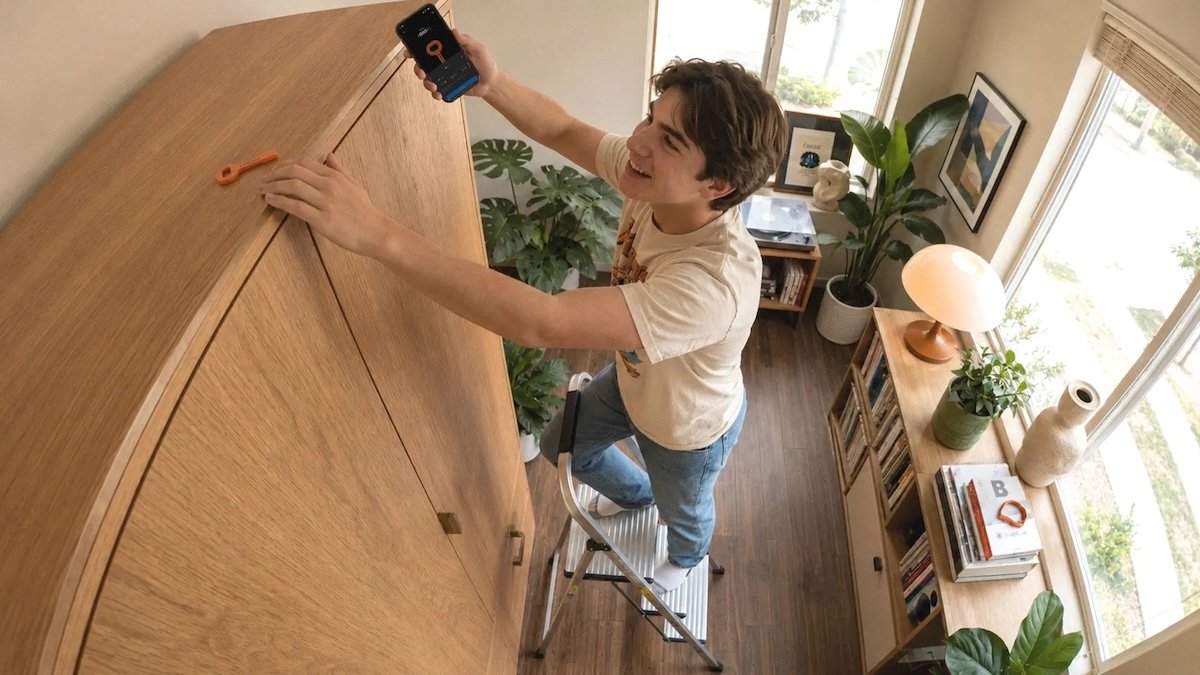
Stand alone key takes a different approach to this issue simply as a physical device. It’s an NFC dongle that pairs with a companion app to let you lock away distracting apps. So instead of pressing a button to bypass the block, you have to physically scan the key with your phone to regain access to your locked apps. Each unlock session can last up to 60 minutes before apps are automatically locked again.
This physical requirement is what makes the idea exciting. Instead of depending on your self-control, you can leave the NFC key in another room, or even at the office or gym, turning the unwise impulse to open Instagram or TikTok into a deliberate decision that requires extra effort.
At just $9, Autonomous Key is significantly cheaper than its competitors like Blok ($29), Unpluq ($26.50), and Brick ($59).
Brick offers a few more advanced features, including Sleep Mode and the ability to block in-app purchases, but Autonomous Key covers the basic functionality at a fraction of the price.
The dongle itself is compact, about 3 inches long, and works with smartphones running Android 8.0 or later and iPhones running iOS 15 or later.
The companion app also provides AI insights, tracking how often you unlock distracting apps, how long they stay accessible, and what times of day you’re most likely to reach for them.
Specifically, the AI sums up your habits with a deliberately sassy personality. For example, if you’re repeatedly unlocking your apps right after locking, it might say the key wasn’t far enough and suggest you put it somewhere less convenient.
Additionally, unlike many app blockers, no subscriptions or premium tiers are required to unlock additional features. One dongle can be paired with multiple phones, making it a practical option for people who may have multiple devices or for families.

During my testing, however, I noticed that NFC scanning occasionally required multiple registration attempts. So it’s probably not the best choice for locking important apps (like messages or email) that you might need to access during the day.
There is also the question of what happens if you lose the key. If your apps are locked, the current solution is to uninstall and reinstall the companion app. If they are already unlocked, you can simply remove the key from your account. The company says it’s developing a backup unlock method that will arrive in a future update.
The Autonomous Key is currently in beta following a Kickstarter campaign and began shipping earlier this month. Available in five colors: pink, orange, blue, gray and brown.
When you purchase through links in our articles, we may earn a small commission. This does not affect our editorial independence.
